Signature feature
Cassette View
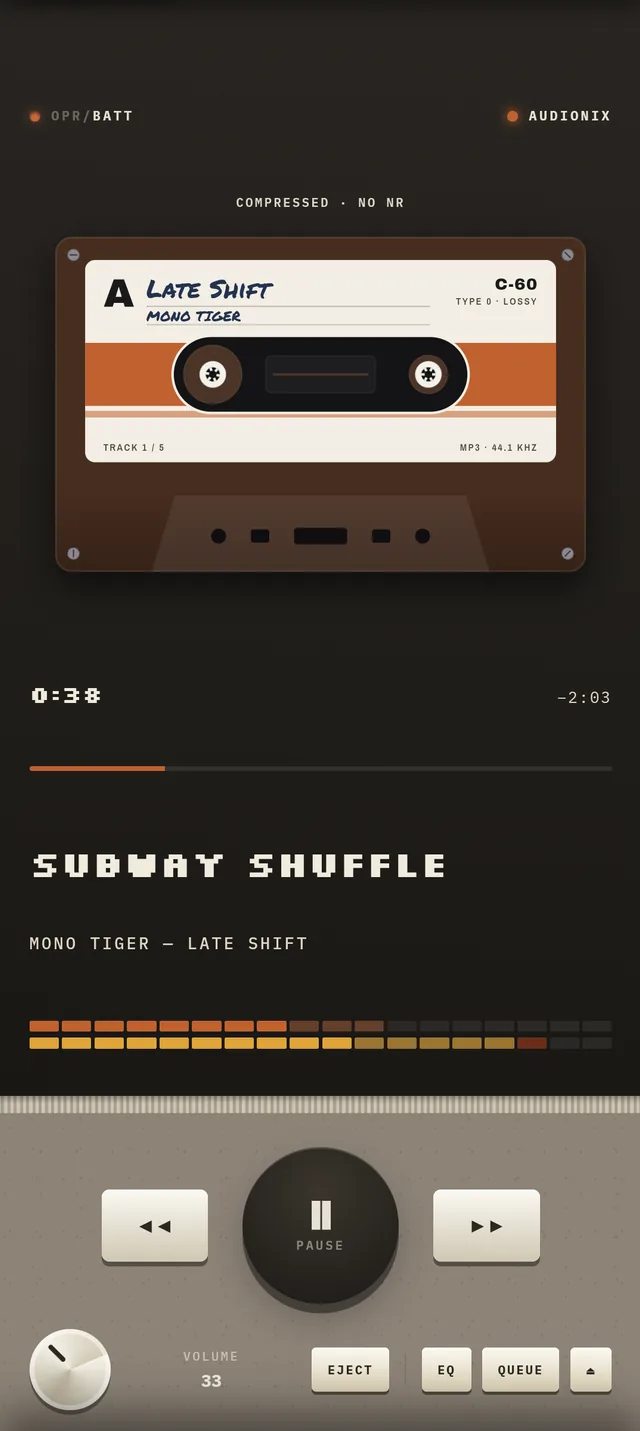
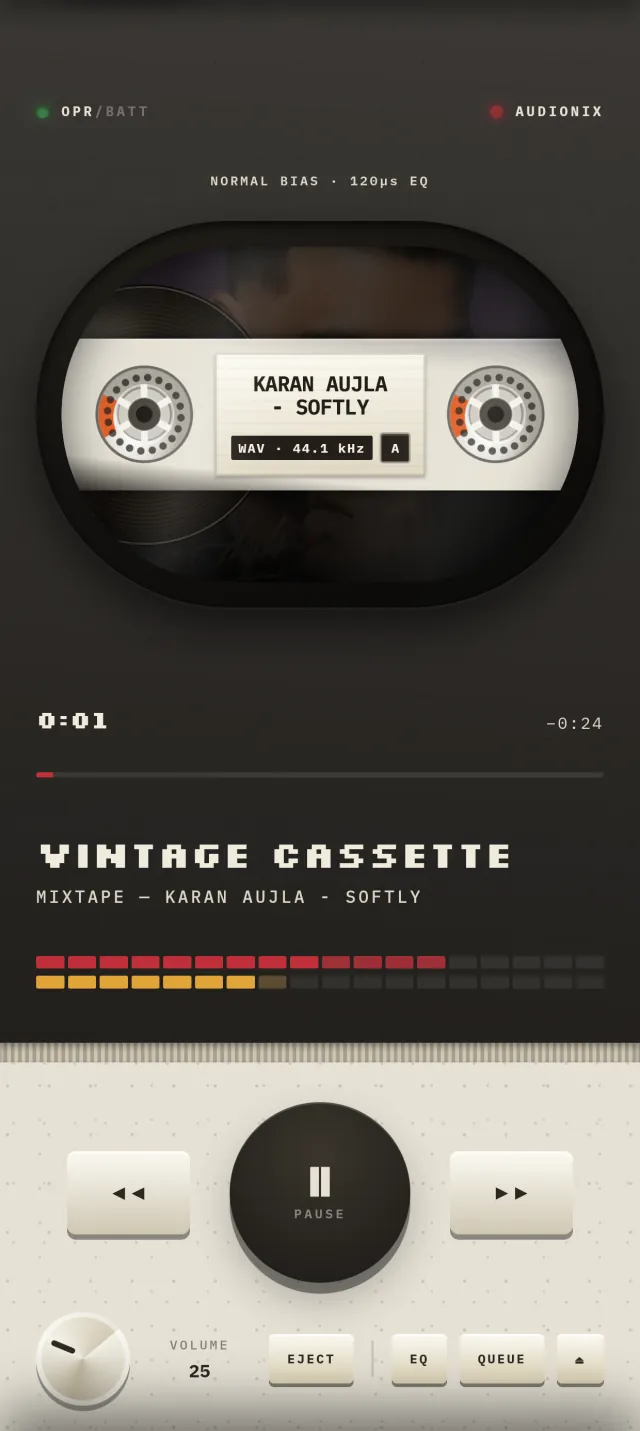
See what's playing as a real cassette: label, side, tape length and turning reels. Available on Android.
What cassette view does
The main screen normally shows the deck's window. Cassette view shows a full front-facing cassette instead: a handwritten-style label with the title, artist, side and tape length, and reels that turn as it plays. Switch it on from the REAR tab.
Blackout mode
While music plays, the screen fades to black after 5 seconds without a touch and shows only the deck or cassette, in landscape. Tap the screen and the player comes back, every time.
More from the deck
- Every control is modeled on a real deck, down to the DIP switches on the back panel.
- Optional tape hiss and key-click sounds, plus a tape-style high-frequency lift. Hiss and key clicks are on by default and can be turned off from the REAR tab.
- Read the overview of the Android cassette player app or the FAQ.
Android
Get Audionix on Google Play
Audionix is available now on Android. iOS is coming soon, with internet radio only.
Get it on Google Play